
Self-Check-in Procedure Self-Check-in Guide
Our hotel has introduced a “Self-Check-in” system that allows you to check in smartly, contactlessly, and without face-to-face interaction. Please follow the steps below (“01–04”) to complete the process.
Self Check-in Video Guide
If you would like to review the process in advance, please watch this video.
Enter Guest Information (by the day before check-in)
After your reservation is complete, we will send you the “Guest Information Registration Form (My Page URL)” via email or SMS. To ensure a smooth check-in process on the day of your stay, please complete the entry of information for all guests in advance.
★Once registration is complete, a “Check-in Code (numbers)” and a “QR Code” will be issued. These are required for check-in on the day of your stay, so please save them—for example, by taking a screenshot—and keep them in a safe place.
*An email is sent automatically when your reservation is confirmed. If you do not receive it, please check your spam folder or enter an email address that will reliably receive our messages.
Unlocking the Entrance
On the day before your stay, we will send you the “Entrance Auto-Lock PIN (Auto-Lock No.)” via email or SMS.
When you arrive at the entrance, enter the passcode on the keypad to unlock the door and enter the building (1st-floor lobby).
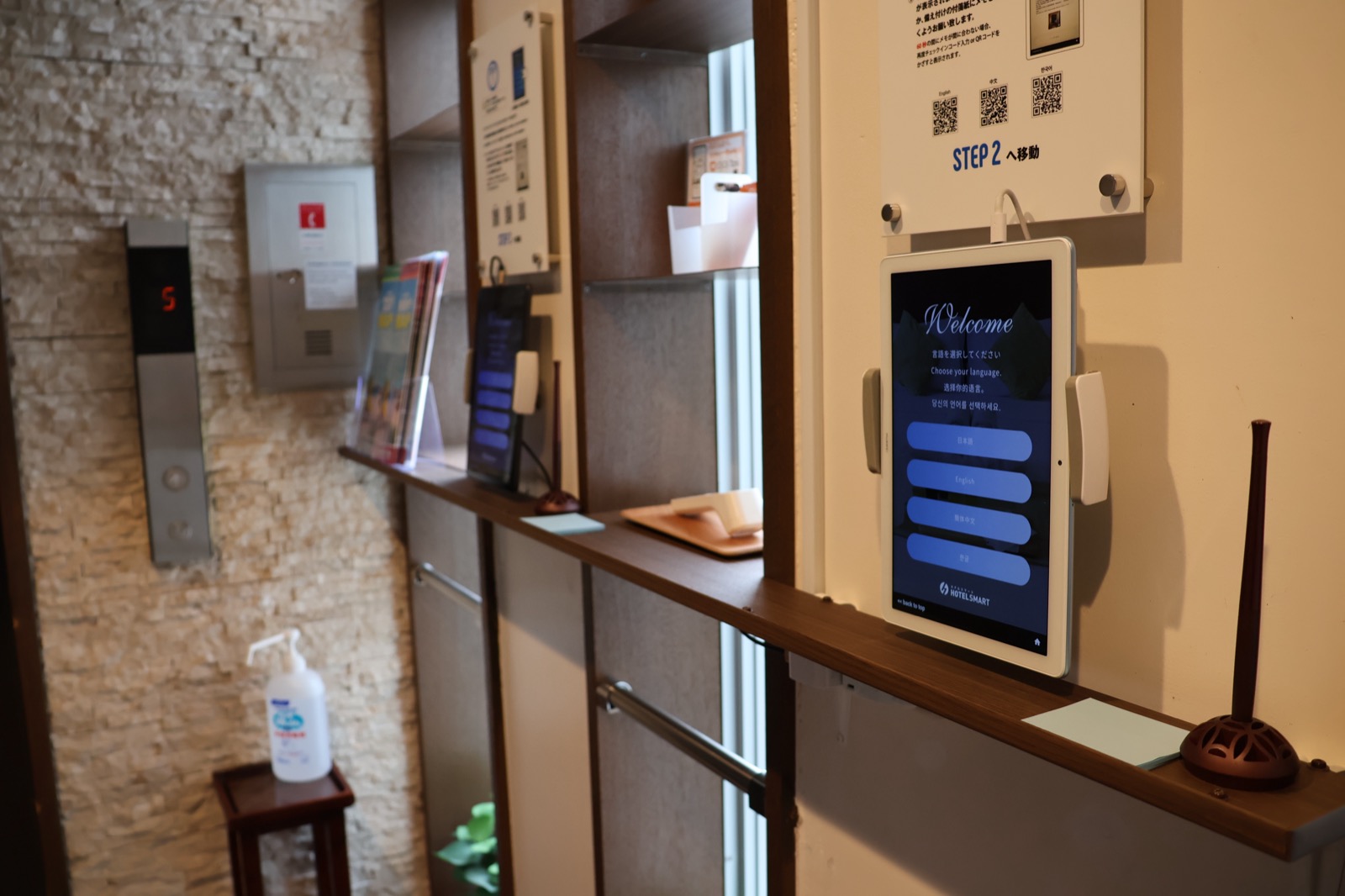
Check-in via Tablet
Use the smart check-in terminal (tablet) located at the 1st-floor front desk (to the right of the elevator).
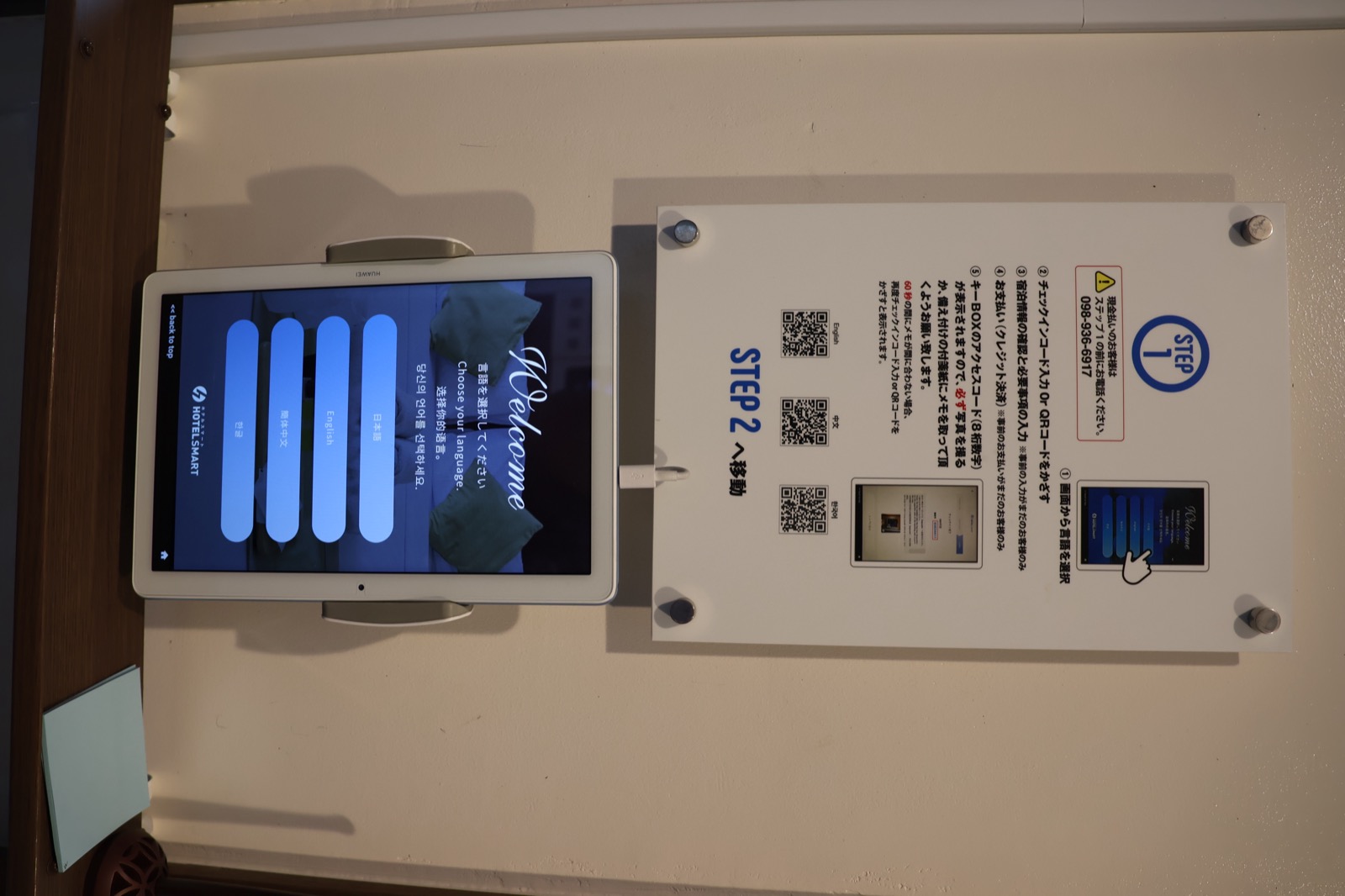
- ① Tap the screen and select your language.
- ② Enter the “Check-in Code (numbers)” you registered in advance, or scan the “QR Code” with the camera.
- ③ Confirm your registration details, sign on the screen, and complete the check-in process.
*The “Access Code (8-digit number)” for your room key will be displayed on the completion screen. You will need this to pick up your key later, so be sure to take a photo of it with your smartphone or write it down.
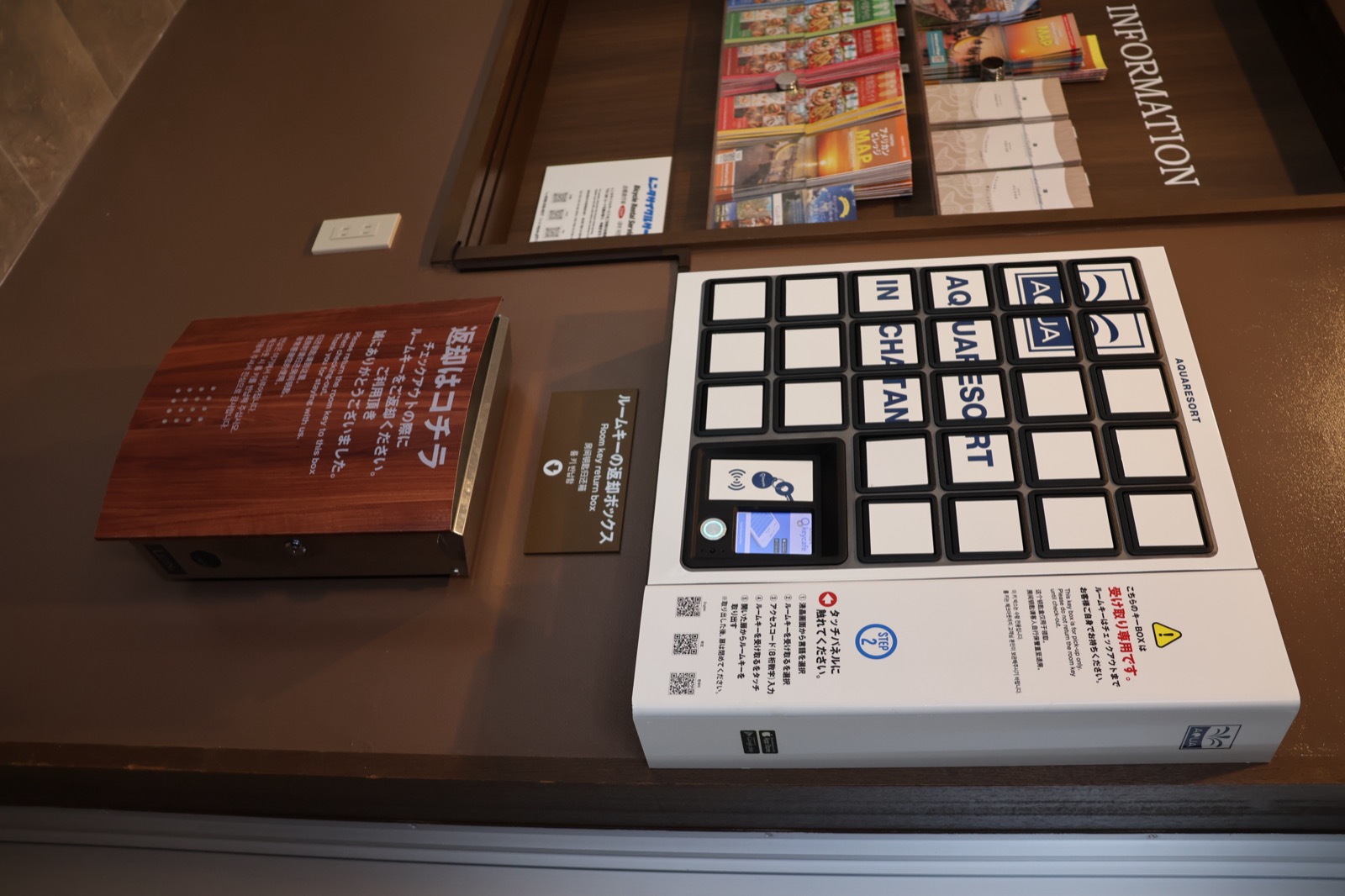
Key Pickup & Return (Checkout)
[Key Pickup: Left Side of the Elevator]
Use the key station (key box) located next to the tablet. Select your language on the touchscreen, then tap “Receive Room Key” ➔ enter your “8-digit access code.” The corresponding box will open, and you can retrieve your key.
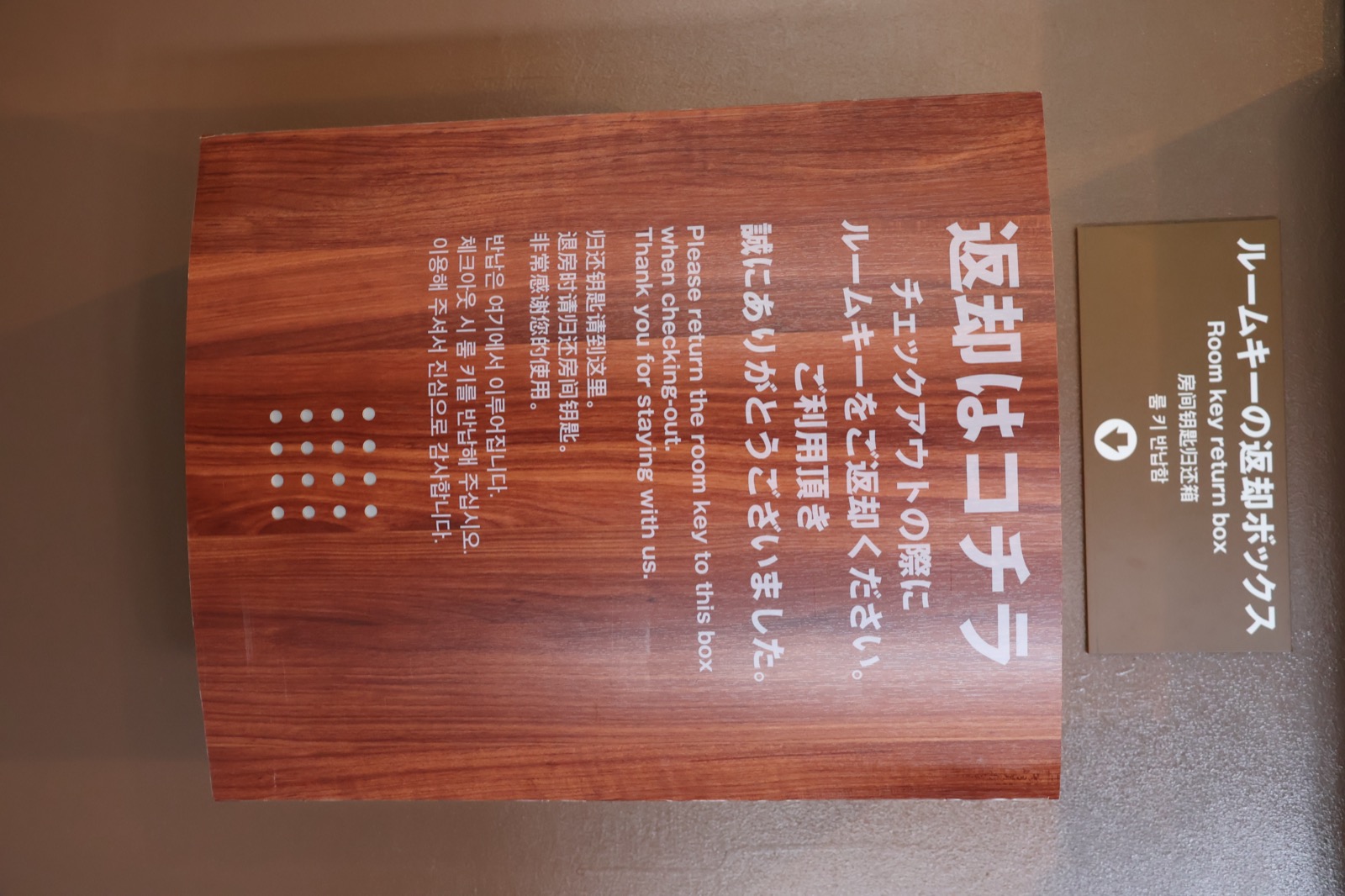
[Key Return (Check-out): By 11:00]
Lock your room and drop the key directly into the “Room Key Return Box (Return Here)” located next to the elevator on the 1st floor. There is no need to stop by the front desk or complete any procedures; your check-out is complete once you’ve dropped off the key.
Local Tourist Maps and Restaurant Brochures
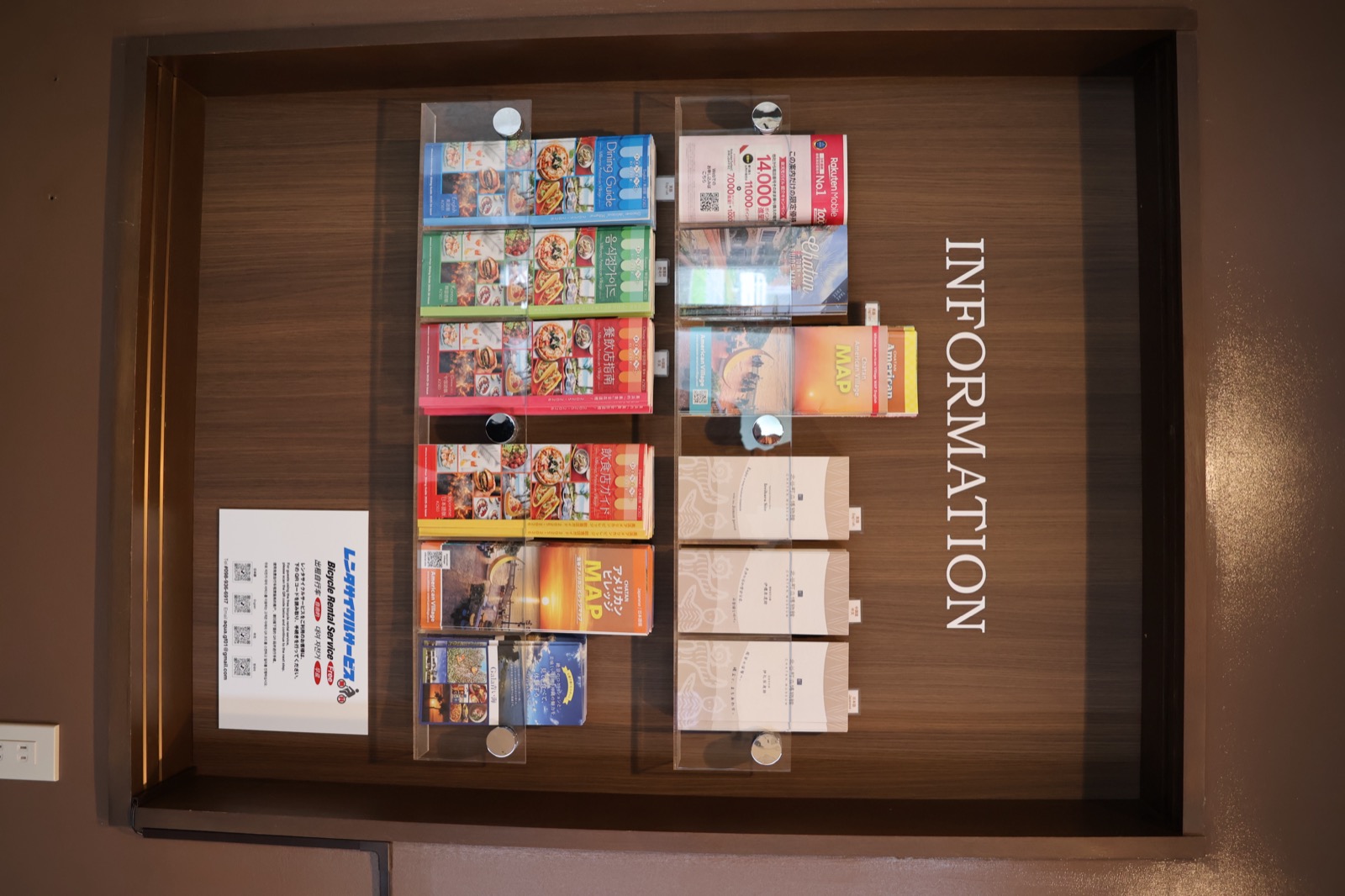
The information rack next to the elevator on the first floor offers a wide selection of sightseeing maps of the area around the hotel (Chatan and American Village), as well as multilingual restaurant guide maps.
Please feel free to take one to help you explore the area or find a place for dinner. Information on our free bicycle rental service is also available here.
[Important Notes and Requests
]
・This hotel does not have a staffed front desk. In case of an emergency or if you have any questions, please feel free to contact us by phone or email using the contact information below.
・Main Contact: 098-936-6917
(Hours: 9:00 AM – 6:00 PM)
・Nighttime Emergencies: 070-8587-8186